


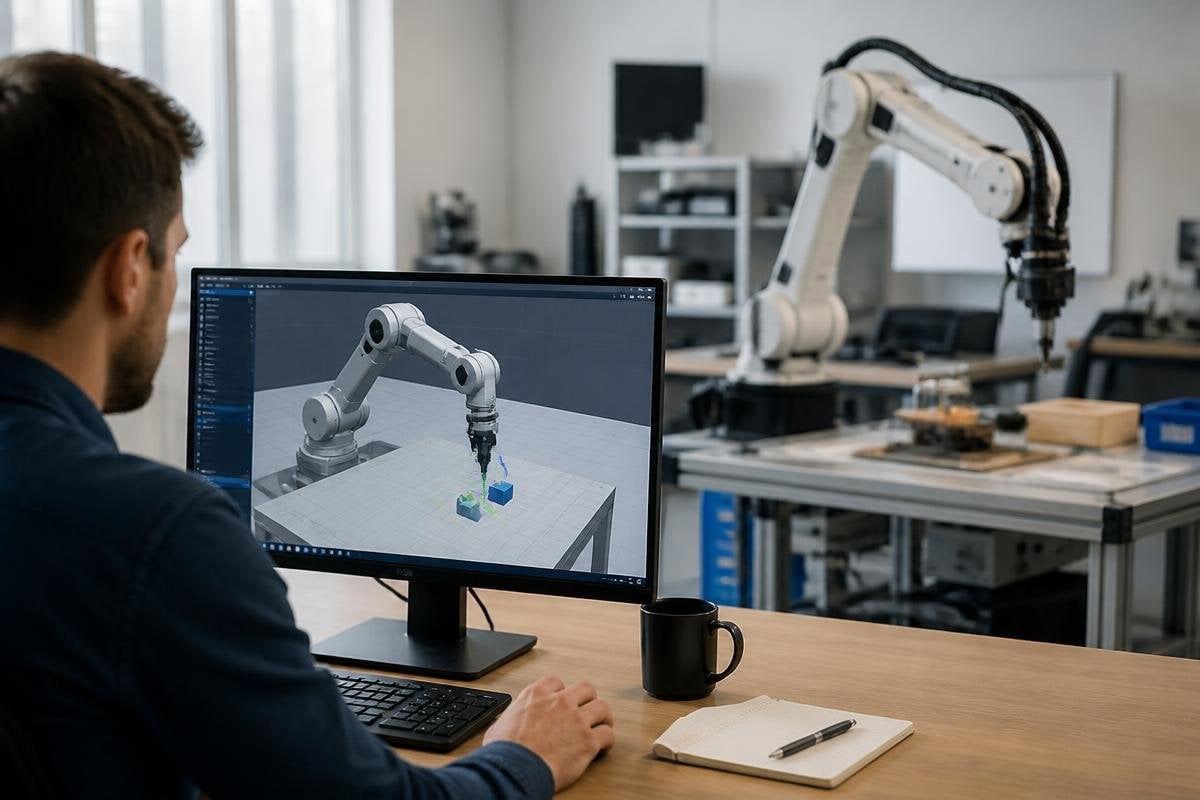
A robot can learn a task in software before a motor moves in the lab. That lets a development team test motion, sensing, and control while the hardware is still being built.
- Test risky movements without breaking a robot
- Run many task variations before field trials
- Find gaps between software behavior and physical results
What simulation gives a robot team
A simulator creates a software version of a robot, its surroundings, and the rules that govern movement. The team can place a robot arm beside a workbench, give it an object to pick up, and watch how its controller responds.
The model can include joints, motors, cameras, LiDAR, friction, gravity, and collision limits. Each part changes the result.
A gripper may close around an object in a clean model, then slip when the real object has a rough surface or a different weight.
That gap makes simulation useful early in the work. Engineers can change a joint limit or sensor setting in software, run the task again, and compare the result before a person stands near the robot.
Simulation also lets a team run cases that would take too long to set up by hand. A mobile robot can face blocked routes, poor lighting, moving people, or a low battery. The team can watch how the navigation system reacts and record where it fails.
The link between code and hardware
Robot software often needs to make decisions many times during a task. A controller reads sensor data, estimates the robot’s position, chooses an action, and sends commands to motors. Simulation gives that software a place to run before the full hardware setup is ready.
This process can expose faults in the control loop. A command may arrive too late, a sensor may return noisy data, or a planned arm movement may reach a position outside the robot’s real range. Finding those faults in software costs less than finding them after assembly.
The result still needs a physical check. A simulator uses a model, and every model leaves something out. Tire grip, cable drag, motor heat, loose parts, and small errors in the frame can change how a robot behaves.
A model can pass a test while the real robot struggles with a loose cable or hot motor. Robot deployment reports add site details that show whether the control rule held up outside simulation.
Where the model can fail
A simulation can give a clean answer to a badly measured problem. If the robot’s mass, joint friction, camera position, or floor surface is wrong in the model, the test result may look precise while describing the wrong machine.
Teams deal with this by checking the model against the hardware. They compare joint positions, motor response, sensor readings, and task results. The software model then gets new values when the physical test shows a mismatch.
The process has a name: sim-to-real transfer. It means taking software behavior from a simulated robot and making it work on the real one. Some tasks transfer well when the surroundings stay controlled. Tasks involving soft objects, loose parts, or contact with people need more physical testing.
Simulation also cannot settle questions about maintenance, training, safe work procedures, or how people react to a moving machine. Those answers belong to the site where the robot will run.
A practical decision guide
Use simulation as part of development when it can answer a clear question. Check these points before you spend time building a model:
- Name the task: write down the movement or decision you need to test
- List the unknowns: mark the parts that may change, such as object weight or floor grip
- Match the sensors: use the same camera, LiDAR, or encoder limits as the physical robot
- Set a handoff test: choose the hardware check that must follow the software result
- Record failures: save the cases where the model and robot disagree
- Set the boundary: state which safety or site questions simulation cannot answer
This guide keeps the model tied to a real engineering decision. A detailed virtual scene has little value if nobody knows what result would change the design.
I’d treat simulation as a test bench, not a substitute for the robot. It can reduce wasted builds and expose software faults early, but the final proof still comes from hardware in the place where the machine will work.
The next useful step is to connect one simulated task to one measured physical task, then track every difference between them.
